



Slotuna App
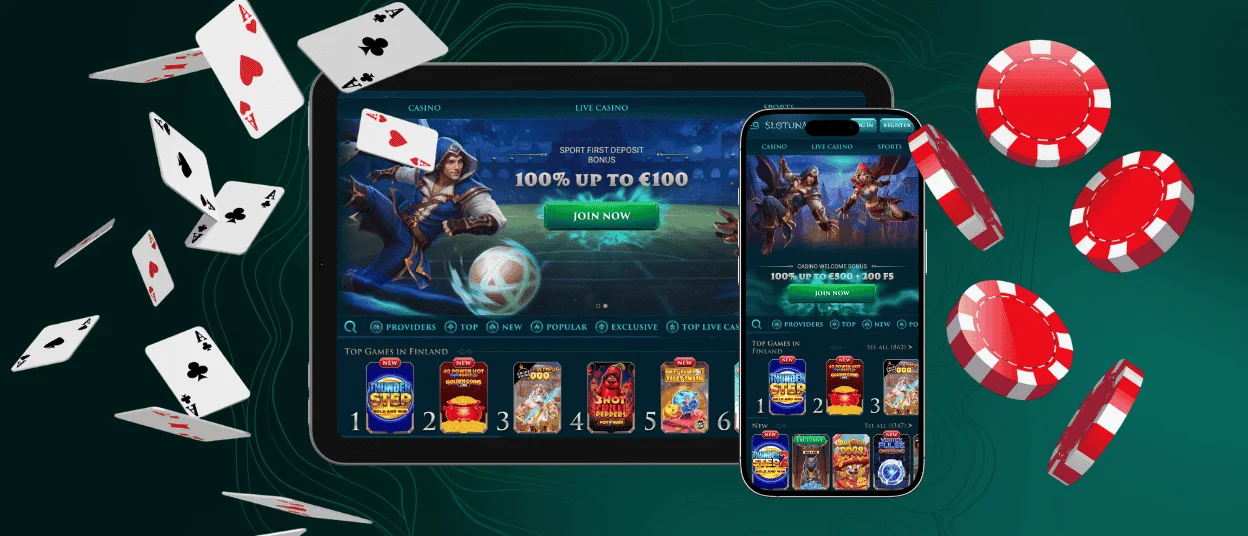
For your convenience, we have developed the Slotuna app. This is a perfect solution for playing your favorite games on the go. The interface of the software has been optimized for small screens and different types of gadgets. You can easily get it on iOS or Android. Users simply need to add the shortcut to their home screen.



Slotuna Casino Mobile
The Slotuna app has numerous advantages. One of the most important things to mention is that all the features you are used to on the desktop are now accessible with just a few taps.
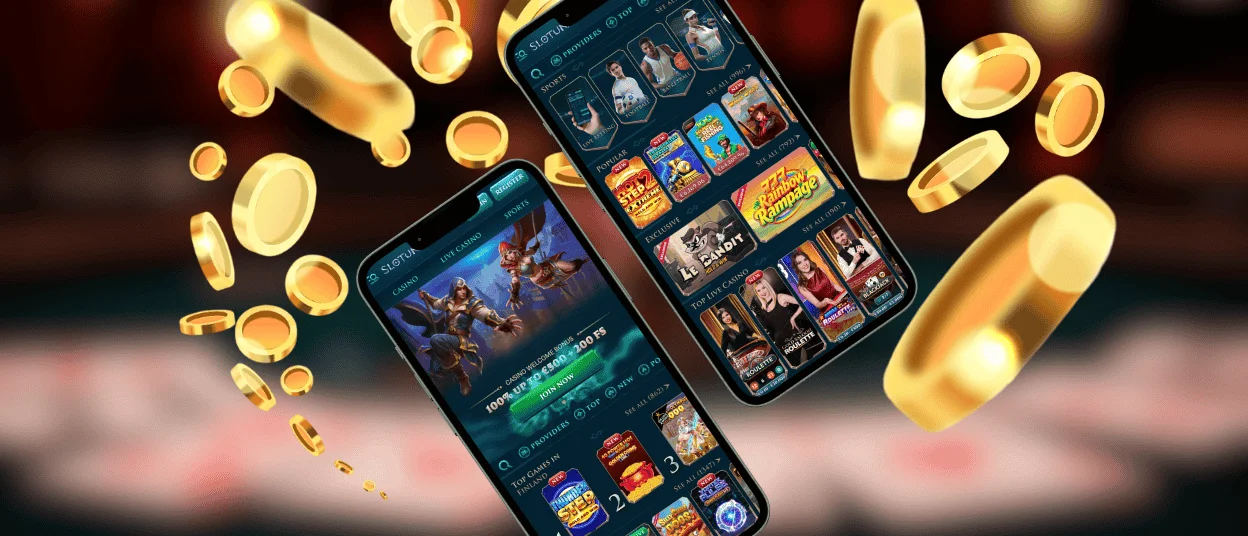
You can play your favorite games and enjoy all the benefits of our Slotuna Casino using whatever mobile device is most convenient for you. Slots and the live casino section are available in full, with no loss of quality.
When you use the Slotuna app, you can also enjoy the collection of bonuses. The mobile version offers exactly the same promotions as the desktop version. Players can claim any bonuses they like and enjoy them on the go.
| Feature on mobile | Description |
| Optimized interface for small screens | The mobile app is specially adapted for touch controls and smaller displays. |
| Easy installation (iOS/Android) | Users need to add the PWA to their home screen without complicated downloads. |
| 24/7 availability | The app allows you to enjoy your favorite games and bonuses whenever and wherever you want. |
| Universal device compatibility | Our solution works smoothly on various gadgets, including smartphones and tablets across iOS and Android. |
Mobile Application for Android
Our application works perfectly with the Android operating system. It is optimized to deliver smooth performance across a broad range of devices, including both flagship models and more modest smartphones. To enjoy the full experience, we recommend Android 7.0 or newer and at least 2GB of RAM. Nonetheless, the Slotuna app runs efficiently even on devices with lower specifications.
Here’s how to install it:
- Open the browser that suits you best. Most users go for Chrome, but you can use any option of your choice.
- Navigate to the official Slotuna website. Make sure you enter the URL correctly.
- Find the menu on your screen. It is usually depicted as three dots or three bars.
- Press the “Add to home screen” button.
- Wait for the mobile casino icon to appear on your home screen.
After the app is added, you can instantly start to play. There is no need to go to the Google Play Store or worry about downloading Slotuna Casino APK files. The shortcut works like a native app; you simply need to tap the icon of our casino and log into your account.
Mobile Application for iOS
On iOS, the app offers the same excellent performance as it does on Android. The Slotuna web app takes full advantage of Apple’s rendering technologies. Also, it offers smooth animations with beautiful graphics.
To install our application on your iPhone or iPad, you will simply need to open the Safari browser. You can use any other browser of your choice, but the best optimization is with Safari. The next step is to go to the Slotuna Casino website and find the “Share” button on your browser’s toolbar. Finalize by tapping on “Add to home screen,” and you’re done.
Desktop Access on Windows and macOS
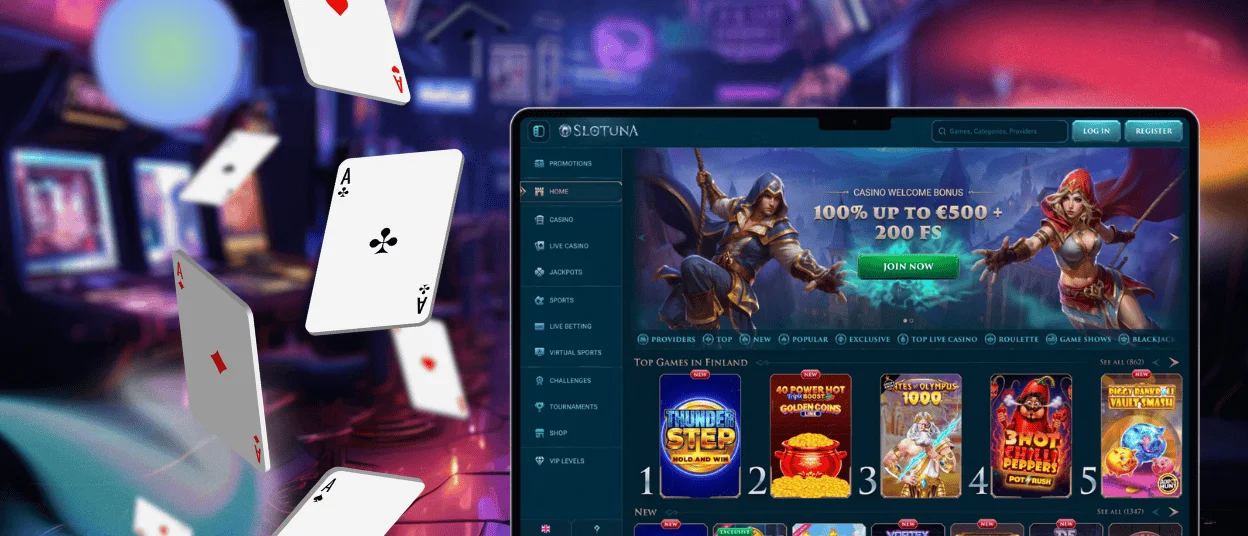
Beyond having an application for iOS and Android, we also offer a solution specially designed for desktop computers. It is available on both Windows and macOS and is perfectly compatible with large screens. It offers high-definition graphics and responsive gameplay in your favorite Slotuna titles.
The Slotuna app for desktop offers a much more stable gaming environment compared to standard browser play. It is optimized to reduce loading times and allows you to get rid of browser toolbars.
Users can install it in the same way as the Slotuna app. You simply need to add the shortcut to your desktop computer and press the casino icon to begin your experience.
Mobile Interface Optimized for Touch Controls
All versions of the Slotuna Casino application have been adapted to touchscreen interactions. This ensures that every element of the interface is sized and positioned for easy access. Slotuna responds instantly to taps and swipes, which permit users to navigate easily between games. It doesn’t matter if you’re playing on a tablet, smartphone or using the desktop app. The app will launch in landscape mode.
FAQ
Are bonuses and tournaments available on mobile?
Users of Slotuna Casino can access the same array of tournaments and promotions via our application as on desktop. There are numerous options to diversify your gaming experience and enhance your activity on the platform.
Can I upload verification documents through the app?
If you need to complete the Slotuna Casino KYC verification process, you can easily upload your documents via the application. This process takes only a few seconds and is accessible via your personal profile. If you have any questions about the process, get in touch with the support team via live chat.
Is there a difference between the Slotuna Casino desktop and mobile game catalogs?
No, the game library is identical via the app and on the desktop. You can profit from your preferred online slots or the live casino area on mobile the same way as you do on desktop.


